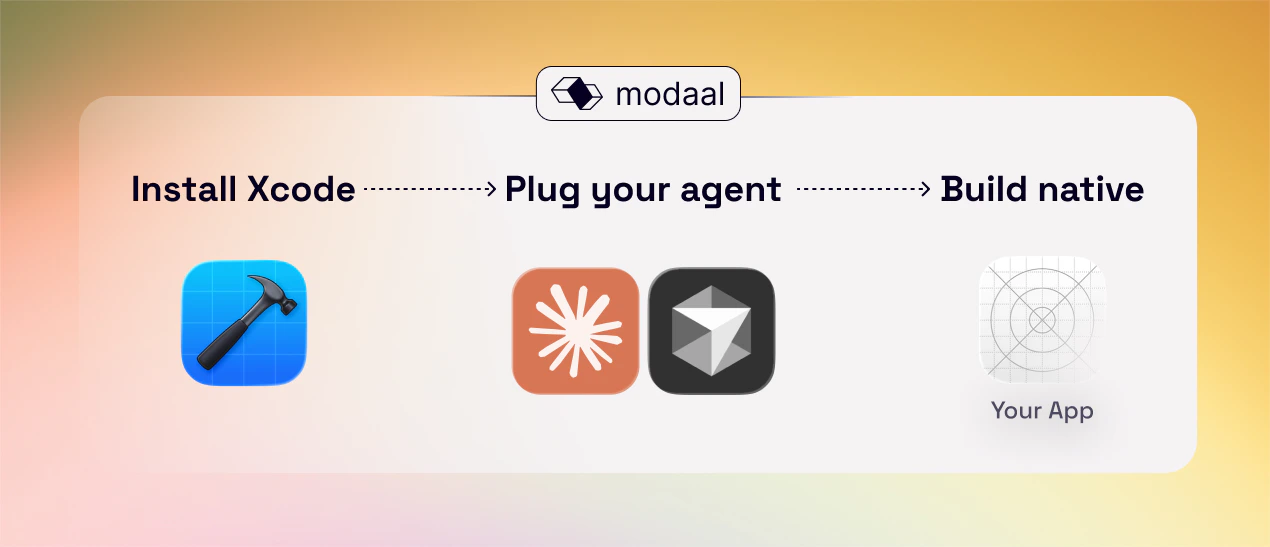
Before you start

You’ll need:
  • A Mac with Xcode installed (required to build/run iOS apps).
  • One AI coding tool set up:
Optional (recommended):
  • A clear app idea in 3–5 sentences, or a PRD, or one core user flow you want to ship first.
  • An iPhone/iPad for real-device testing (Simulator is great, but not “real life”).
Later (when you want to test with others or ship):
  • Apple Developer Account (TestFlight + App Store distribution)

1 - Create a new project

Open Modaal and add prompt to build a new project.
It will be named automatically, later you can change it. This is only names of files in AppStore you can add any new name you wish.

2 - Choose your build mode (Vibe / Refine / Specify)

Modaal has 3 ways to start, depending on how clear your idea is:

1) Vibe

“I have an idea, just go with it.”
Use for: brainstorming, quick prototypes, exploratory coding, creative experiments.
Best when
  • you’re still discovering what you want
  • you want something working fast, even if it’s rough

2) Refine

“Turn my idea into a well-structured PRD.”
Use for: PRD refinement, requirements clarification, specification writing.
Best when
  • your idea is fuzzy
  • you want the agent to help you turn “thoughts” into a real PRD + scope
Default recommendation: if you’re not sure, start with Refine.
Once the PRD is solid, switch to Vibe (move fast) or Specify (go structured).

3) Specify

Rigorous cycle: specification → planning → tasks → implementation.
Use for: complex projects that benefit from structured execution, or when requirements are already clear.
Inside Specify, you’ll move through stages:
  • Clarify — close gaps in requirements, ask/answer key questions
  • Plan — propose architecture + approach
  • Tasks — break into executable tickets / steps
  • Analyze — sanity checks (edge cases, consistency, risks)
  • Implement — write the code and wire everything together
(* = stages where you usually want to read carefully and confirm intent before moving on.)

3 - Provide your input (prompt or PRD)

You can start with either:

Option A — quick prompt (3–5 sentences)

Include:
  • who it’s for
  • the main job-to-be-done
  • 1–2 core screens
  • the “success moment”
Example:
“Build an iOS app for busy parents to track kids’ weekly activities. Home shows upcoming activities. Add Activity lets me enter title, day, time, location. Calendar view shows the week. Success is seeing the week clearly and getting a reminder.”

Option B — attach a PRD

Attach your PRD (or paste it). Modaal will process it and generate the structure.

4 - Build your project

If you’re in Vibe

A good default approach is:
  1. Outline 1 core user flow (start → success).
  2. Build it end-to-end.
  3. Then add the next flow.
  4. Add design polish after the flow works.
If design matters early, add 2–3 design references (apps/screenshots) and a short “design vibe” paragraph. You can also add Figma file reference to use.

If you’re in Specify

Follow the stages:
  1. Clarify until requirements feel tight.
  2. Plan (read for structure and feasibility).
  3. Tasks (make sure the breakdown matches how you want to build).
  4. Analyze (fix risks now, not later).
  5. Implement.
This mode is slower upfront, but usually faster overall for bigger apps.

5 - Run in Simulator

  1. Click Run in Simulator.
  2. Choose a device (e.g., iPhone 15).
  3. Wait for build → app launches in Simulator.

6 - Iterate

This is the core loop you’ll repeat:
  1. Describe the change (small, specific).
  2. Run in Simulator
  3. Adjust (repeat)
Best practice: change one thing at a time. The smaller the change request, the fewer surprise breakages.

Common first-time blockers (fast fixes)

  • “Xcode not found” / build can’t start
    Install Xcode and open it once (it often needs to finish setup).
  • No Simulators available
    In Xcode: Settings → Platforms → download iOS Simulator runtimes.
  • Low disk space
    Xcode + Simulators can be huge. Free space before you start.
  • Works in Simulator but feels wrong on device
    Totally normal (touch, keyboard, audio, permissions behave differently). Test on iPhone when your core flow works.

Next steps

  • Test on a real device (recommended)
  • Invite testers via TestFlight: Distribute your app with TestFlight
  • Learn the best prompt patterns for Modaal: Prompting guide / examples
Now when you have your app building, explore these articles:
Need help? Join our community.