
.svg?fit=max&auto=format&n=rBROILWhBGfA_4EY&q=85&s=0185f3e9df88428c430b0b130b94d569)
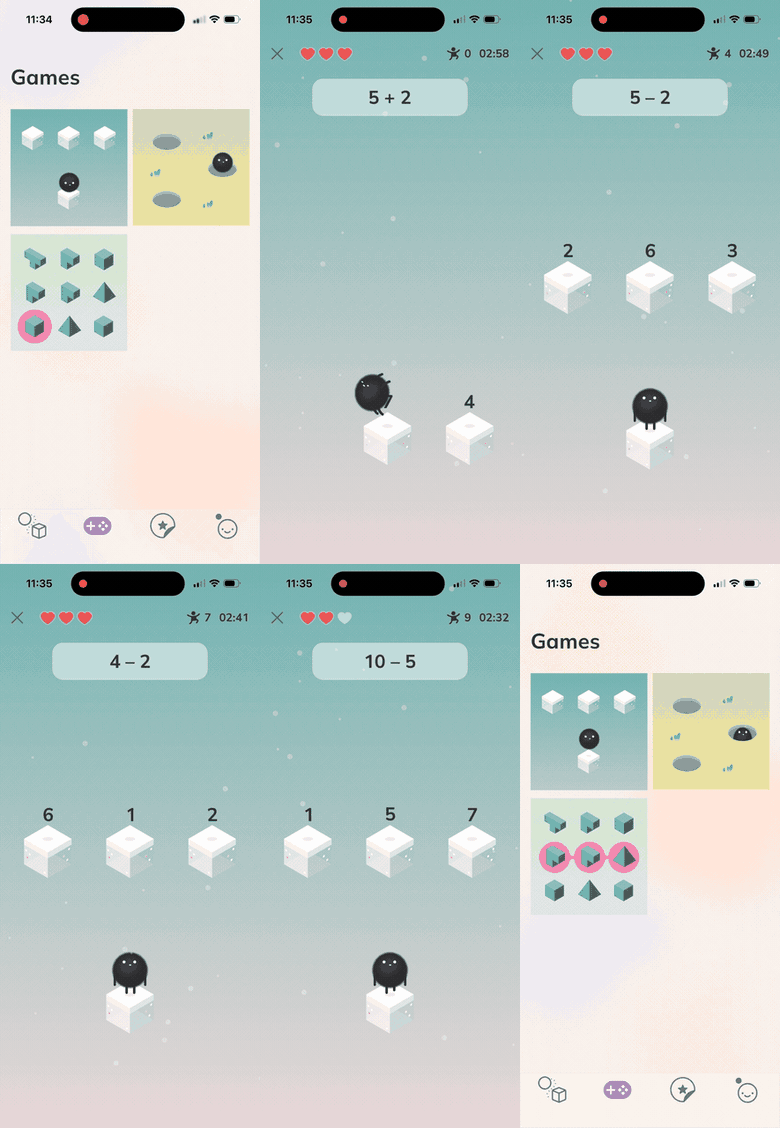
A drawn game surface: sprite artwork, SKAction motion, and a HUD living in the same scene as the playfield.
What you get on the first build
Pick the card, press Create, and the app runs: splash → menu → a tap-the-target sample game with a score and a sound effect, plus a settings screen that persists sound volume. Five pieces you would otherwise write yourself are already wired behind that sample:- A resource gate.
ResourcesLoadingWorkerregisters the fonts, makes the sprite atlas resident and warms the sound pool; the splash waits on it. If a resource fails to load, the worker records it toDiagnosticsand publishes it onloadingIssuesfor the splash to display, then finishes loading and opens the gate anyway. - An artwork pipeline. Source PNGs live in
Art/<Atlas>/, andScripts/pack-atlases.shpacks them into the committed atlas page the app reads. Run it when the artwork changes;Scripts/pack-atlases.sh --verifychecks the committed page against the sources without re-packing. - Pooled audio. A fixed-size pool of preloaded
AVAudioPlayers, rotated least-recently-used. Overlapping plays each get their own player up to the pool size; past that the new sound is dropped rather than cutting off a playing one. - Idempotent layout.
layoutScene()runs on presentation, on rotation and on every safe-area change. Chrome is positioned againstsafeAreaFrameand the playfield against the full frame, so the notch and home indicator are accounted for. - Tests that pass from the first build, registered in the same all-modules workspace as the other templates. The sample game’s tests run its rules without instantiating SpriteKit, because the score and sound logic is Interactor state.
Package.swift. It is a versioned dependency: you import its products, and it is upgraded by moving the pin rather than by editing files in your project.
What changes from a RIBs app
Compared with a RIBs app built from SwiftUI views, such as a project created from the CombineRIBs template, a RIB’s presenter is anSKScene or an SKNode subclass instead of a SwiftUI view. The rest is the same: Builder, Interactor, Router and Component, the same protocol boundaries, the same generated mocks.
One rule follows from that: build screens as node RIBs, not scene RIBs. Presenting a scene runs a transition and discards the outgoing scene’s node tree. Attaching a node RIB is an addChild into the scene already on screen, and the node remains attachable elsewhere afterwards — it reads no ambient state (self.scene, UIScreen, the view) and lays out against the metrics its host hands it, so the same node can be attached into a different scene, or into a host app’s scene, without edits.
The scaffolded app is built that way: two scenes, Splash and Menu, with the game and settings screens as nodes attached into the Menu scene.
Start a 2D game project
Set the sentence on the Modaal home screen to I’m building a 2D game, describe the game in the composer, and press Start new project. The first turn writes aPRD.md and a first feature spec, as it does for every template. The architecture is already recorded in .modaal/project.json, so that turn goes straight to product scope.
Two prompts with enough detail for the agent to plan from:
Art/Game/ are there to be replaced. Only the sample game in RIBs/Game uses them, and deleting them and re-running Scripts/pack-atlases.sh also drops the ~1 MiB atlas page they occupy.
When not to use it
Pick a conventional kind for a conventional app, including an animation-heavy one — Production app for a product, built on Duet, and Quick prototype for a throwaway idea. Rich SwiftUI animation is not a reason to move to SpriteKit. Building a single playful screen on a scene tree means that screen takes on the scene lifecycle, the layout pass and the atlas pipeline, and its UI is assembled fromSKNode subclasses rather than from your existing SwiftUI views.
If the graphics requirement is uncertain, weigh the two directions before you pick. A Duet project has no scaffolded route to one: no Duet template scaffolds a SpriteKit scene host. An existing CombineRIBs project can gain one: RIBs → RIBs + SpriteKit is additive, not a rewrite — the RIB tree, the modules and the tests keep their shape, and what gets added is the SpriteKit packages and a scene host. Ask the agent to add the game surface at the point you need it. CombineRIBs is not one of the sentence’s combinations, so if a drawn screen is likely, start on 2D game.
More on picking a template: Starting a new project. For a second opinion on your idea, ask in the community.